DevHive
DevHive is the social network solution for programmers. In it you can make posts to share with your friends, comment and more.
This is the back-end portion of the project, built with Angular. For the back-end, refer to DevHive.
In the docs folder you can find relevenat information and documentation about this project. You can also find our Privacy Policy.
Contents:
Setting up locally
Prerequisites
You'll need to install the following tools:
- Angular CLI 11.0.6 or greater (older versions might work, but haven't been tested)
Starting up
- Clone the repository:
git clone https://github.com/Team-Kaleidoscope/DevHive.git - Navigate to the folder, in which you cloned it
- Run
npm installto install all front-end packages - Run
ng serveto start up the front-end - as with the API, you can run the command in background or create a systemd service
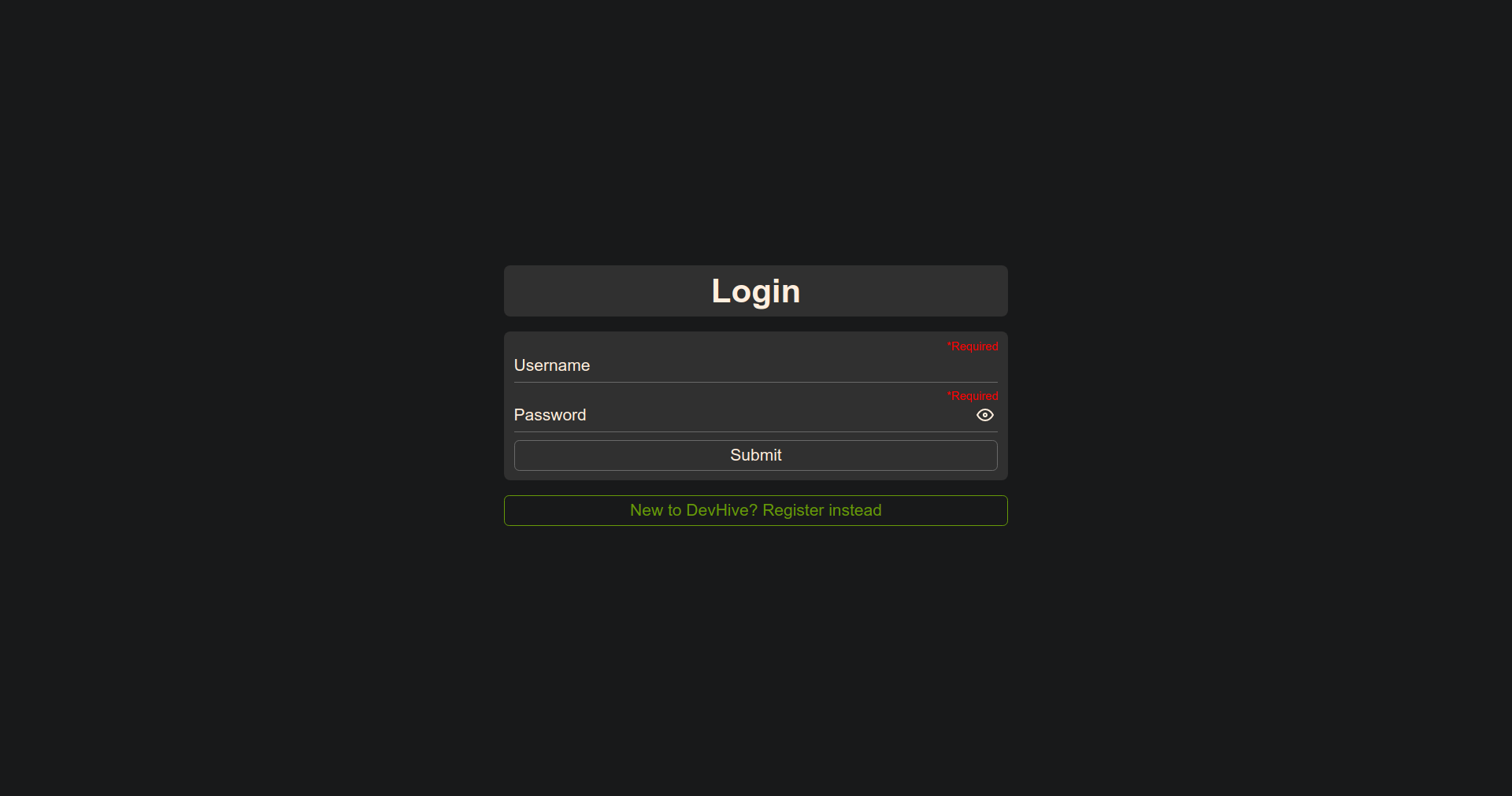
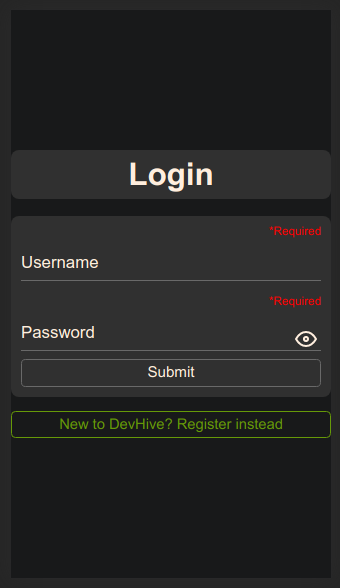
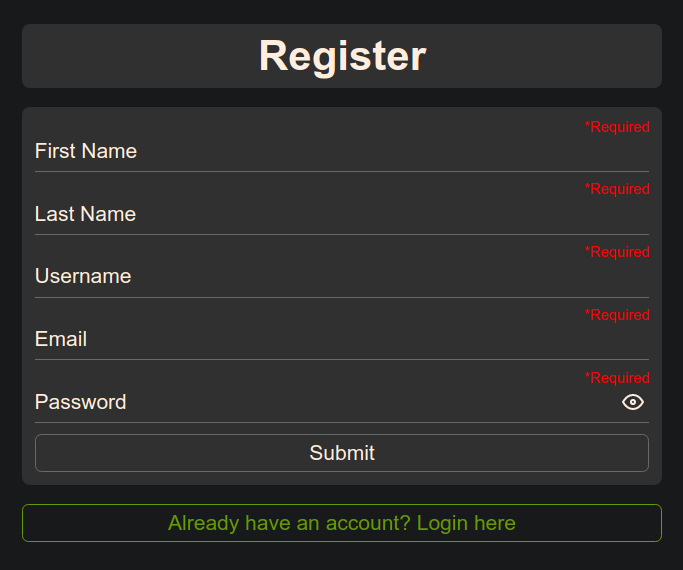
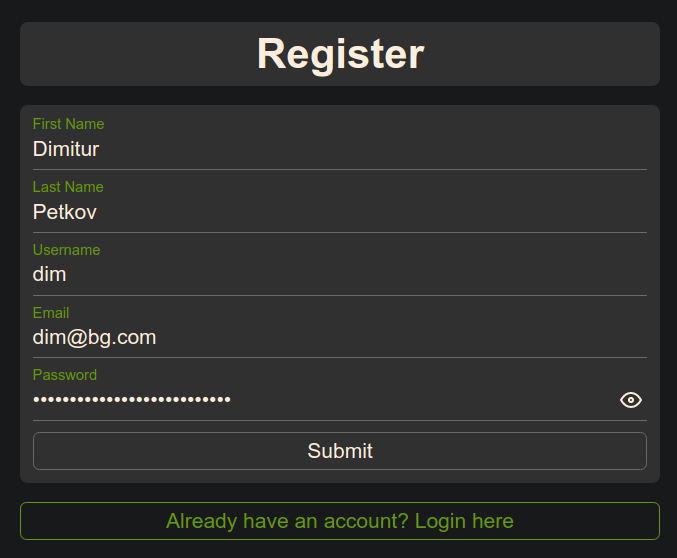
If everything went smoothly, you will be able to access the front-end from http://localhost:4200. Also, don't forget that the API needs to be running at the same time, otherwise you won't get beyond the Login and Register pages!
Important notes
If you host your API on a specific link that isn't the standard http://localhost:5000, go to src/app and edit the app-constants.module.ts file, on the second row you're gonna see the variable BASE_API_URL, update it.
You can change on what port the front-end is ran, by issuing the serve command with the --port parameter: ng serve --port 5001. But, don't run it with the --ssl parameter! SSL isn't supported yet and you'll have issues trying to use it! If you really need ssl, using a reverse proxy might be a viable alternative.
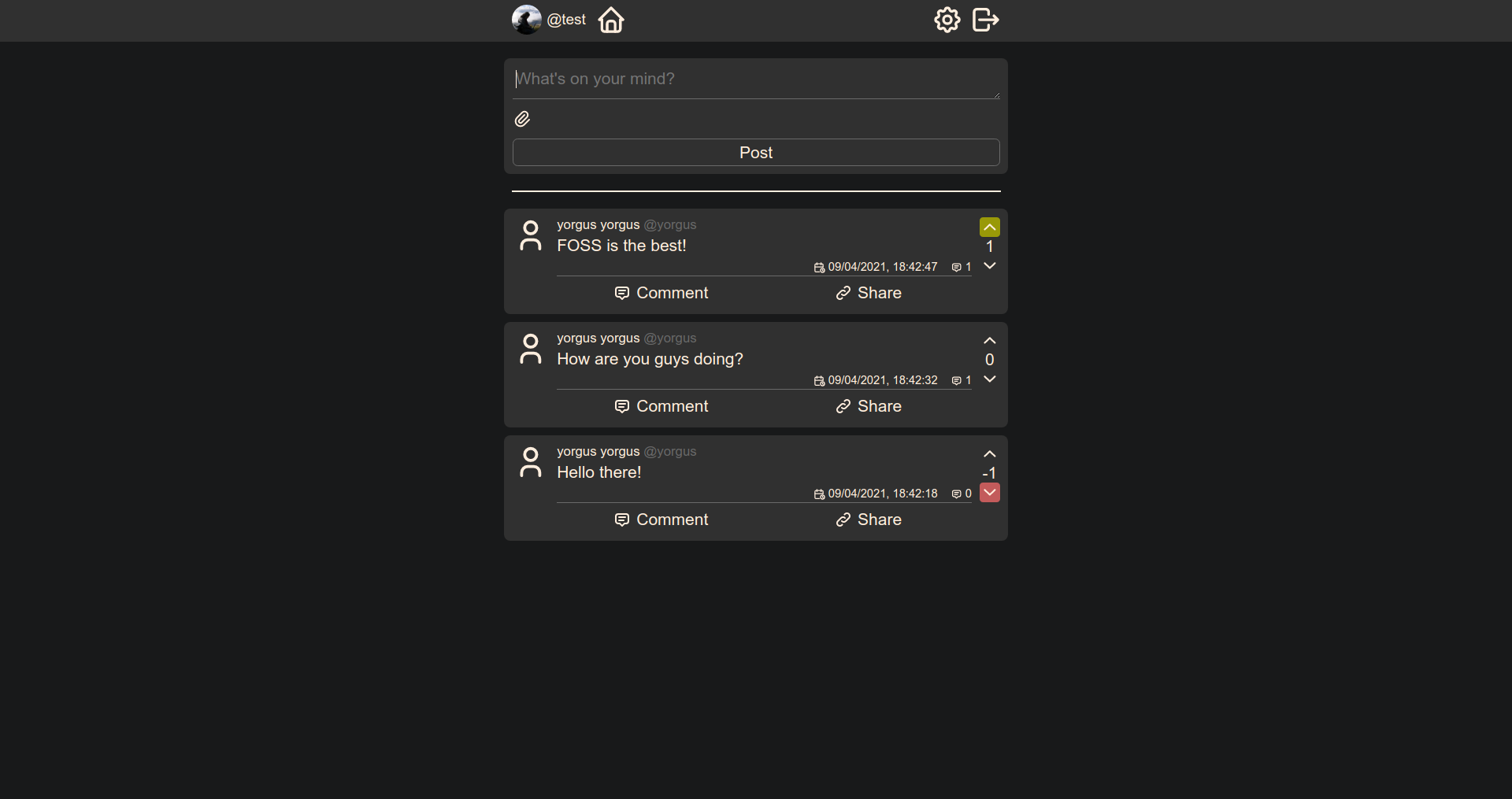
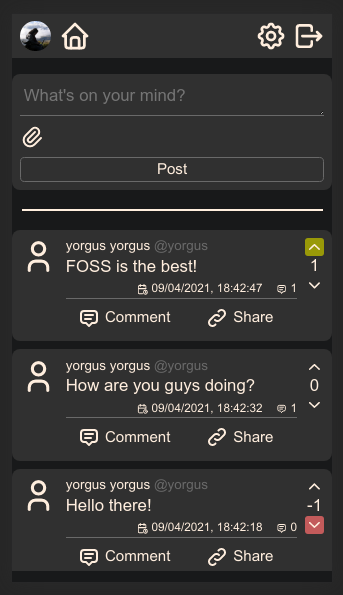
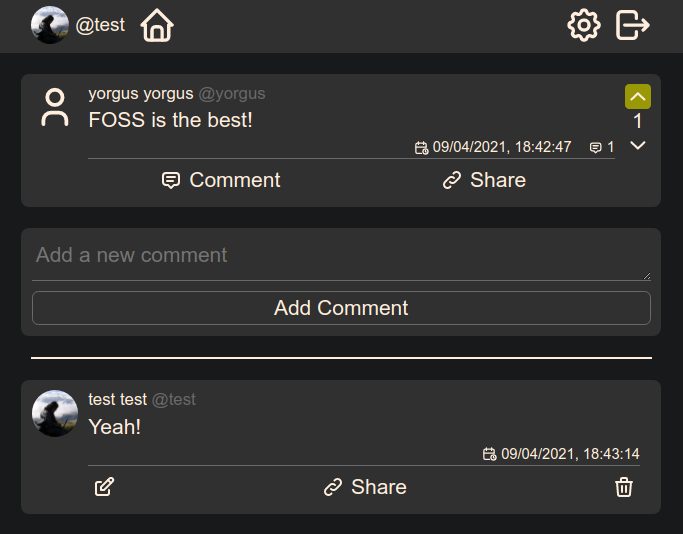
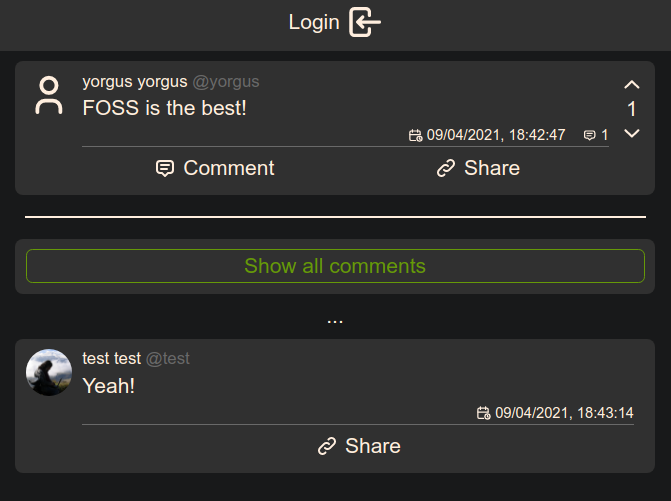
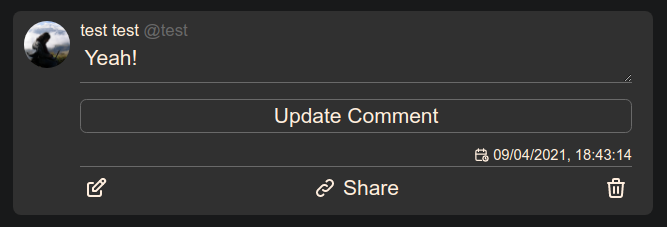
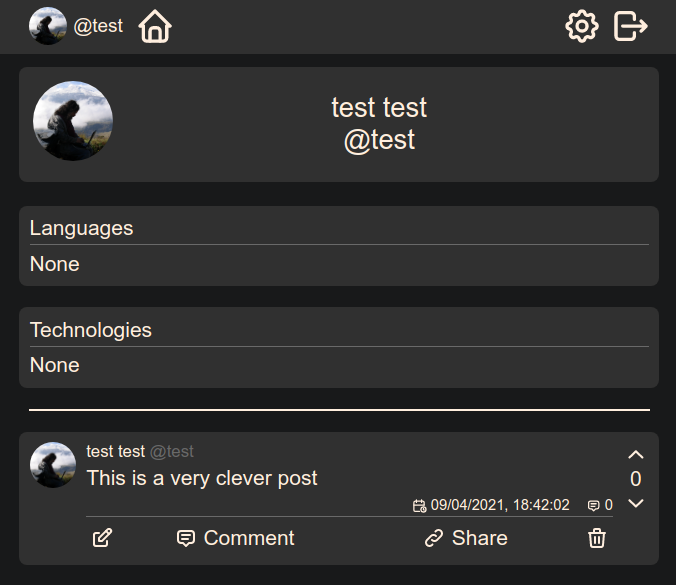
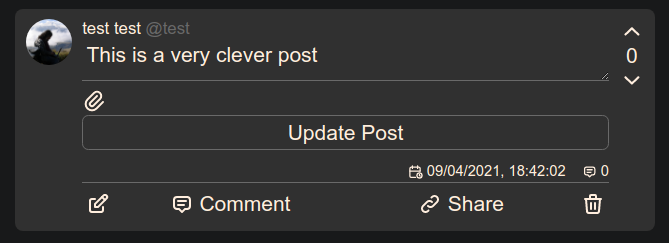
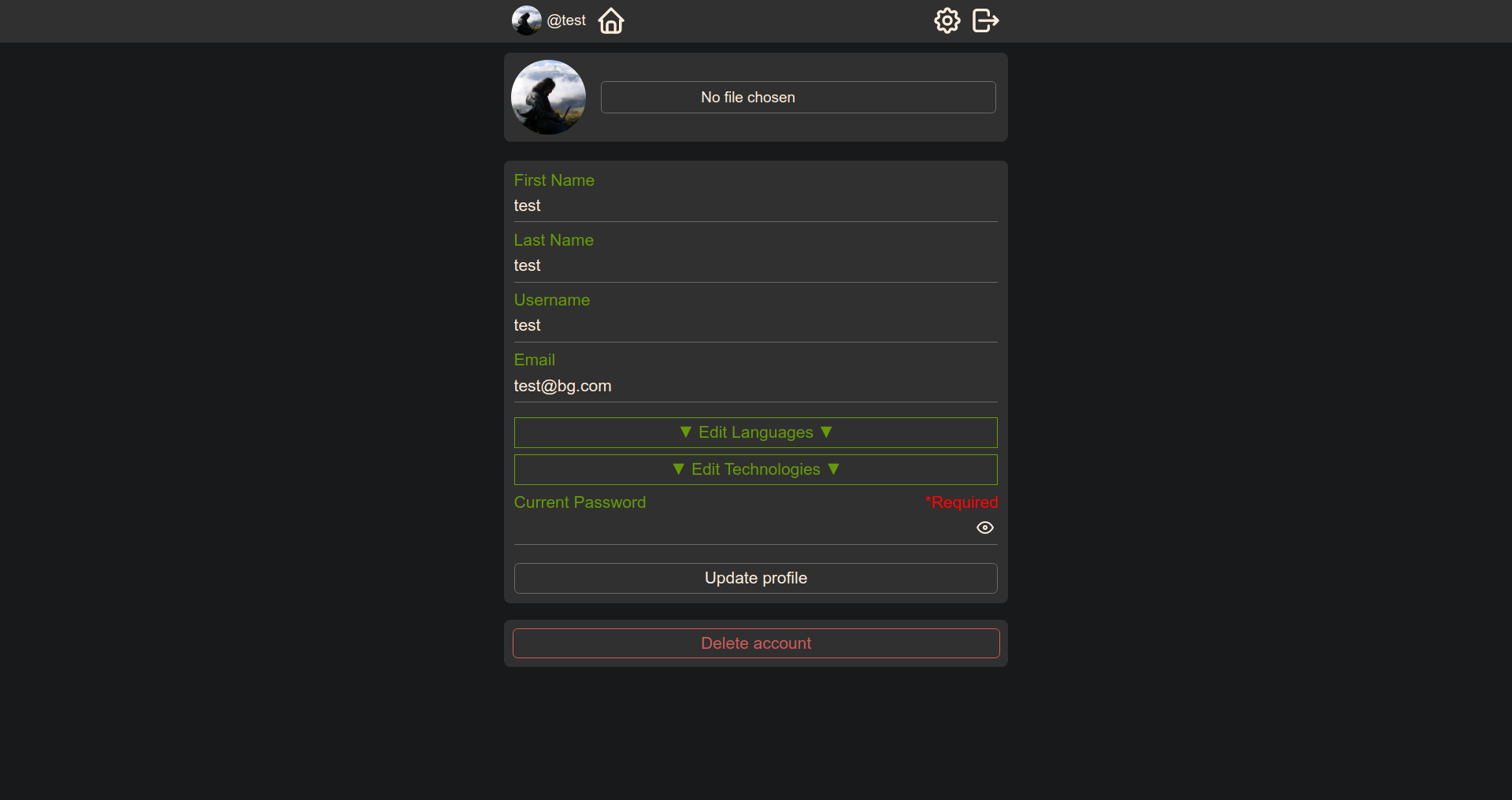
Screenshots